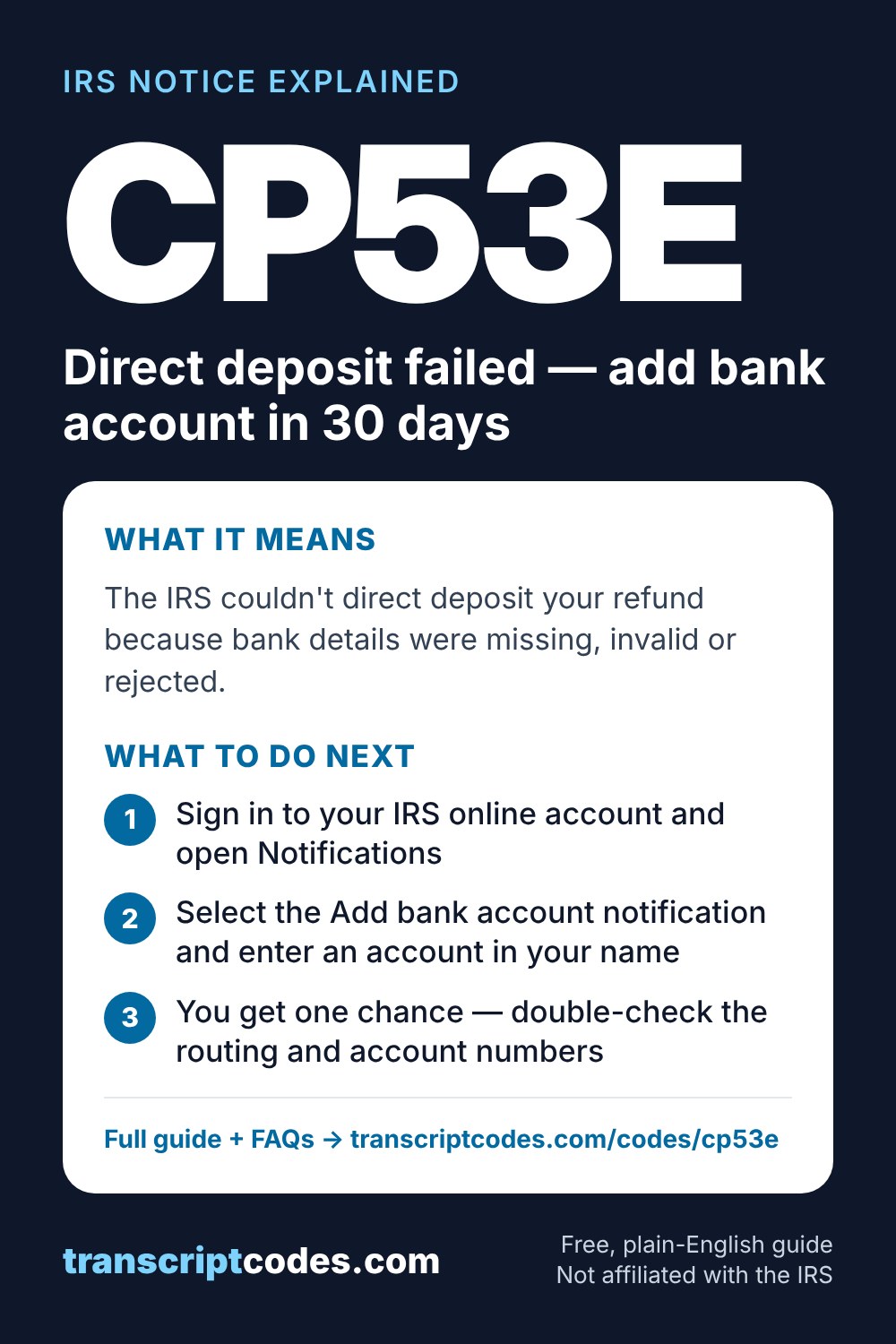
IRS Notice CP53E: Direct deposit failed — add bank account in 30 days
Why you got this
- No bank account was entered on the return
- The bank rejected the deposit (closed or wrong account)
- The IRS corrected a balance-due return into a refund
What happens next
What you should do
- Sign in to your IRS online account and open Notifications
- Select the Add bank account notification and enter an account in your name
- You get one chance — double-check the routing and account numbers
- IRS phone agents can't change bank details for you
- Allow 2–5 business days, then check Where's My Refund
Official explanation: IRS page for CP53E
Frequently asked questions
What does IRS Notice CP53E mean?
The IRS couldn't direct deposit your refund because bank details were missing, invalid or rejected. Under the move away from paper checks (Executive Order 14247), you're given 30 days to add or update a bank account in your IRS online account. The notice doesn't mean the refund is denied.
Why did I get IRS Notice CP53E?
Common reasons: No bank account was entered on the return; The bank rejected the deposit (closed or wrong account); The IRS corrected a balance-due return into a refund.
What should I do?
Sign in to your IRS online account and open Notifications Select the Add bank account notification and enter an account in your name You get one chance — double-check the routing and account numbers IRS phone agents can't change bank details for you Allow 2–5 business days, then check Where's My Refund
How long does it take?
Act within 30 days of the notice date. If you don't, the IRS says it will issue a paper check after about 6 weeks.
Sources
- IRS: Understanding your IRS notice or letter
- IRS: Get Transcript
- Taxpayer Advocate Service (independent help inside the IRS)
Written by the editorial team and checked against the official sources above. See our editorial policy.
By the TranscriptCodes Editorial Team · Last reviewed 2026-11-12.